 By Admin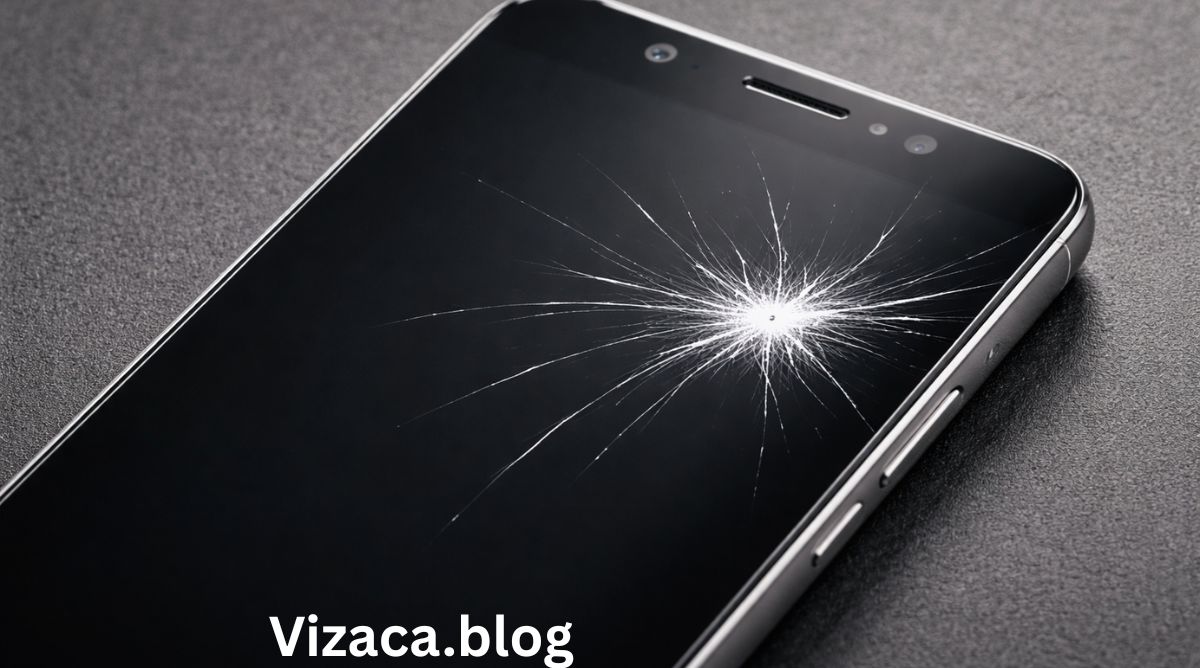
A white mark on phone screen is a common display issue that many smartphone users experience at some point. It can appear as a bright spot, cloudy patch, faded area, or irregular light mark that becomes especially visible when the screen displays dark colors. While sometimes it may seem like a minor cosmetic flaw, in many cases it indicates underlying hardware or display damage. Understanding the causes, identifying the type of white mark, and learning the possible solutions are essential for protecting your device and maintaining optimal screen performance.
Modern smartphones use advanced display technologies such as LCD and OLED panels. These screens are composed of multiple delicate layers, including glass, digitizer, liquid crystal or organic light-emitting layers, backlight systems (in LCD), adhesives, and electronic connectors. A white mark can develop when any of these components become damaged, misaligned, stressed, or defective.
This detailed guide explains the reasons behind a white mark on phone screen, how to diagnose the issue, possible fixes, professional repair options, and preventive measures to avoid future display damage.
Understanding What a White Mark on Phone Screen Means
A white mark usually refers to a visibly brighter area that stands out against the rest of the display. It may vary in size and shape and can appear suddenly or gradually over time. Common forms include:
- Small bright white dots
- Circular cloudy patches
- Irregular bright spots
- Faded glowing areas
- Slight discoloration patches
The appearance of the white mark often provides clues about its cause. For example, a small pinpoint dot may indicate a pixel issue, while a larger cloudy patch may suggest backlight or pressure damage.
Common Causes of White Mark on Phone Screen
Several factors can lead to the formation of white marks on a phone screen. Identifying the root cause is the first step toward resolving the problem.
Pressure Damage
Pressure damage is one of the most frequent causes of white marks. When excessive force is applied to the screen, the internal display layers may compress or shift. This compression can disturb the uniform distribution of light in LCD screens, resulting in visible bright patches.
Common situations that cause pressure damage include:
- Sitting on the phone accidentally
- Keeping the phone in a tight pocket
- Placing heavy objects on the device
- Pressing too hard during cleaning
Even minor bending of the phone frame can disturb internal screen alignment and create a permanent white mark.
Backlight Bleeding in LCD Screens
LCD displays use a backlight panel to illuminate the screen. If this backlight becomes uneven or misaligned, light can leak through certain areas more than others. This leakage appears as white or bright spots, especially noticeable on dark backgrounds.
Backlight bleeding often worsens in dark environments and may become more prominent over time if internal components shift further.
Pixel Malfunction
Every smartphone screen is made up of millions of pixels. If one or more pixels fail to function properly, they may appear as small white dots.
There are two main types of pixel issues:
- Stuck pixels, which remain fixed on a single color, often white
- Dead pixels, which fail to display color properly
A single white pixel may not be noticeable, but clusters of defective pixels can create visible marks.
Moisture or Liquid Exposure
Exposure to water, humidity, or condensation can damage internal screen components. Moisture may cause corrosion or interfere with display layers, resulting in white spots or uneven lighting.
Signs of moisture-related white marks may include:
- Gradual spreading of the white area
- Flickering screen
- Discoloration
- Reduced touch sensitivity
Liquid damage often requires professional repair because it affects internal circuitry.
Overheating
Excessive heat can damage screen components and adhesives. Leaving a phone in direct sunlight, using it heavily during charging, or running resource-intensive applications for extended periods can raise internal temperatures. Heat may warp display layers or weaken adhesives, leading to uneven lighting and white marks.
Manufacturing Defects
In some cases, white marks appear due to factory defects. Poor quality control during assembly may result in uneven backlight panels or imperfect screen bonding. If a white mark appears shortly after purchasing a new device, it may be covered under warranty.
Screen Aging
Over time, display components degrade. LCD backlights may weaken unevenly, and OLED panels may develop brightness inconsistencies. Long-term use at maximum brightness accelerates screen wear and increases the risk of display irregularities.
LCD vs OLED White Marks
Understanding the type of display in your phone helps determine the cause of the white mark.
LCD Screens
LCD screens rely on a backlight. White marks in LCD devices are often caused by backlight bleeding or pressure distortion. These marks usually appear cloudy or diffused.
OLED Screens
OLED displays do not use a backlight. Each pixel emits its own light. White marks on OLED screens are typically caused by pixel malfunction or panel damage. They appear sharper and more defined compared to LCD backlight spots.
How to Diagnose a White Mark on Phone Screen
Accurate diagnosis is essential before attempting any fix.
Test with Solid Colors
Display full-screen solid colors such as black, white, red, green, and blue.
- If the white mark is most visible on black backgrounds, it is likely backlight bleeding.
- If the mark appears on all colors consistently, pixel or panel damage may be the cause.
Restart the Device
Sometimes a display glitch can cause temporary visual artifacts. Restarting the phone may resolve minor software-related display issues.
Check for Physical Damage
Inspect the phone carefully for cracks, dents, or frame bending. Even small structural damage can lead to internal display problems.
Test Touch Functionality
If the white mark area also has reduced touch sensitivity, deeper screen damage may be present.
Can a White Mark on Phone Screen Be Fixed?
The solution depends on the cause and severity of the issue.
Fixing Stuck Pixels
If the white mark is a stuck pixel, displaying rapidly changing colors may help reactivate it. Gently massaging the area with a soft cloth while the screen is off may sometimes restore pixel function. However, excessive pressure can worsen the damage.
Addressing Minor Pressure Marks
Very light pressure marks may fade over time if internal layers settle. Avoid applying additional force and monitor the screen for improvement.
Software Reset
Updating the phone’s operating system or resetting display settings may fix rare software-related display anomalies. A factory reset can be attempted if a system glitch is suspected, but it will not fix hardware damage.
Professional Screen Replacement
If the white mark is large, spreading, or permanent, replacing the display assembly is often the only reliable solution. Screen replacement restores full brightness uniformity and eliminates visible spots.
When to Seek Professional Repair
Consider professional repair if:
- The white mark increases in size
- Multiple marks appear
- The display flickers
- Touch response is affected
- The phone has been exposed to water
Technicians can inspect internal connectors, backlight panels, and display layers to determine whether repair or replacement is necessary.
Preventing White Marks on Phone Screen
Prevention is the best strategy to avoid display issues.
Use a Protective Case
A durable case reduces pressure and impact damage.
Avoid Tight Pockets
Carrying the phone in tight clothing pockets increases the risk of bending and pressure damage.
Keep Away from Heat
Avoid prolonged exposure to direct sunlight or hot environments.
Handle with Care
Do not press hard while cleaning or using the screen. Use a soft microfiber cloth for cleaning.
Moderate Brightness Usage
Lower brightness levels reduce stress on display components and prolong screen lifespan.
Impact of White Marks on User Experience
While a white mark may seem minor, it can affect:
- Video viewing quality
- Gaming immersion
- Reading clarity
- Overall aesthetic appearance
- Device resale value
Large or spreading white marks can indicate worsening display failure.
Conclusion
A white mark on phone screen can result from pressure damage, backlight bleeding, pixel malfunction, moisture exposure, overheating, manufacturing defects, or natural screen aging. Proper diagnosis through color testing, physical inspection, and restart procedures helps determine the cause. Minor pixel issues may sometimes be resolved with simple techniques, but significant hardware-related white marks usually require professional screen replacement.
Taking preventive measures such as using protective cases, avoiding pressure and heat exposure, and handling the phone carefully can significantly reduce the risk of display damage. Although some white marks may remain cosmetic, others may indicate deeper issues that should not be ignored. Understanding the causes and solutions ensures better screen performance, longer device lifespan, and improved overall user experience.